
Sri Venkateswara University (SVU), Tirupati, has released the PG First Semester M.A. Examination Results for several postgraduate subjects. Students who appeared for the M.A. 1st Semester examinations in History, Economics, Philosophy, Population Studies, Sanskrit and Tourism can check their results online through the university’s result portal.
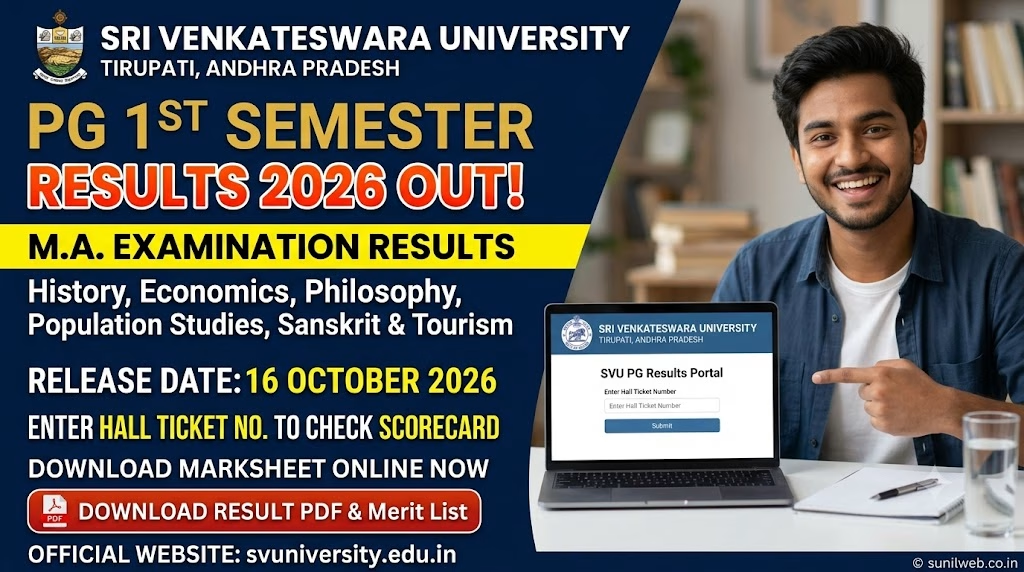
Candidates can access their results using the designated online examination portal. Students are advised to keep their examination details ready and carefully verify their marks and result status after logging in.
The result link is provided below for the convenience of students. Candidates should use the official result portal to access their examination results and save a copy for future reference.
SVU PG 1st Semester Result 2026 – Overview
| Particulars | Details |
|---|---|
| University Name | Sri Venkateswara University (SVU) |
| Location | Tirupati, Andhra Pradesh |
| Examination | PG First Semester Examination |
| Course | Master of Arts (M.A.) |
| Semester | 1st Semester |
| Result Status | Released, as per the supplied notice |
| Subjects | History, Economics, Philosophy, Population Studies, Sanskrit and Tourism |
| Result Mode | Online |
| Official University Website | https://svuniversity.edu.in/ |
| Result Portal | TCS iON Examination Portal |
Subjects Included in SVU M.A. 1st Semester Results
The result announcement covers the following postgraduate programmes:
- M.A. History
- M.A. Economics
- M.A. Philosophy
- M.A. Population Studies
- M.A. Sanskrit
- M.A. Tourism
Students enrolled in these courses can visit the result portal and follow the on-screen instructions to check their examination results.
Direct Link to Check SVU PG First Semester Results
Students can use the following link to access the result portal.
Click Here to Check SVU M.A. 1st Semester Results
University website: https://svuniversity.edu.in/
If the result portal does not open immediately, students can try again later or access the link using an updated browser.
How to Check Sri Venkateswara University PG Results 2026
Follow these steps to check your M.A. first-semester examination result:
- Open the SVU result portal using the direct link provided above.
- Follow the instructions displayed on the login page.
- Enter the required examination or login details.
- Submit the information to access your result.
- Check your subject-wise marks and overall result status, where available.
- Download or print the result for future reference.
Candidates should enter their details carefully to avoid login errors.
Details to Check on the Result
After accessing the result, students should verify the information displayed on the result page, including:
- Student name and examination details
- Registration or roll number
- M.A. course and semester
- Subject-wise marks or grades, where provided
- Total marks or grade information, where applicable
- Pass, fail or other result status
If any discrepancy is found, students should contact their college or the university’s examination section for clarification.
What Should Students Do After Checking the Result?
Students should save a copy of their online result for reference. They should also follow university notifications regarding marksheets, revaluation, recounting or supplementary examinations, if applicable.
The online result should not be treated as a substitute for an official marksheet or certificate unless the university explicitly permits it.
Frequently Asked Questions (FAQs)
1. Has SVU PG 1st Semester M.A. Result 2026 been released?
Yes. According to the result notice provided, Sri Venkateswara University has released the first-semester M.A. examination results for the listed subjects.
2. Which subjects are included in the result announcement?
The announcement covers History, Economics, Philosophy, Population Studies, Sanskrit and Tourism.
3. Where can I check the result?
Students can use the direct TCS iON result portal link provided in this article.
4. How can I download my result?
Open the result portal, enter the required login details and download or print the result if that option is available.
5. What should I do if I cannot access my result?
Check your login details and try again later. If the problem continues, contact the university or the examination portal’s support team.
For the latest recruitment notices and updates, visit our Website – SUNILWEB.